 Firmario
A digital guest book that turns into a printed keepsake
For weddings, quinceañeras, birthdays, farewells, baby showers, graduations and more.
Guests scan a QR code or open a link and leave their name, a message and a photo. You review everything and download an A5 PDF book to take to a copy shop.
💬 Import the congratulations from your WhatsApp group
Is the group already full of lovely messages? Export the chat, pick which ones go in the book, done. The chat is read only on your phone: we don’t upload it anywhere.
- Export the group chat from WhatsApp (without media).
- Open it in Firmario: we show you the congratulations and good wishes.
- Pick which ones go in. Each person can get a single page.
What your book looks like
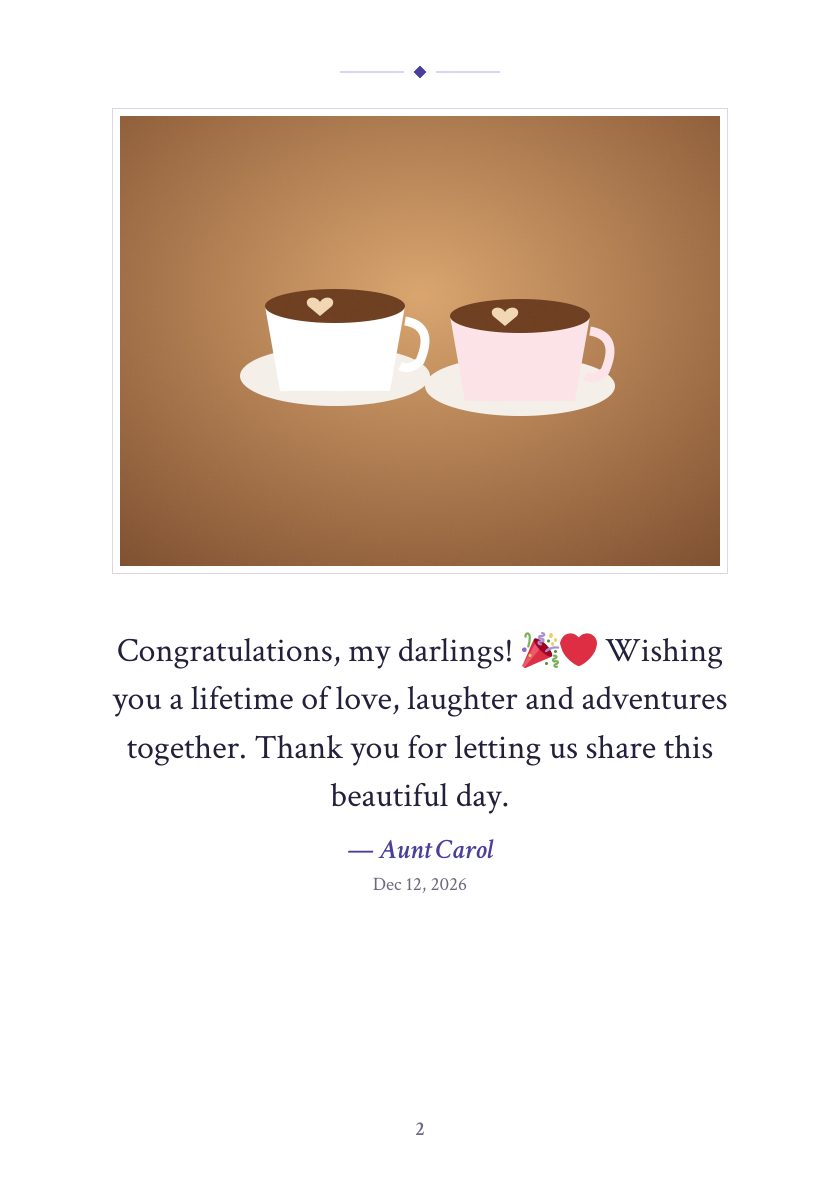
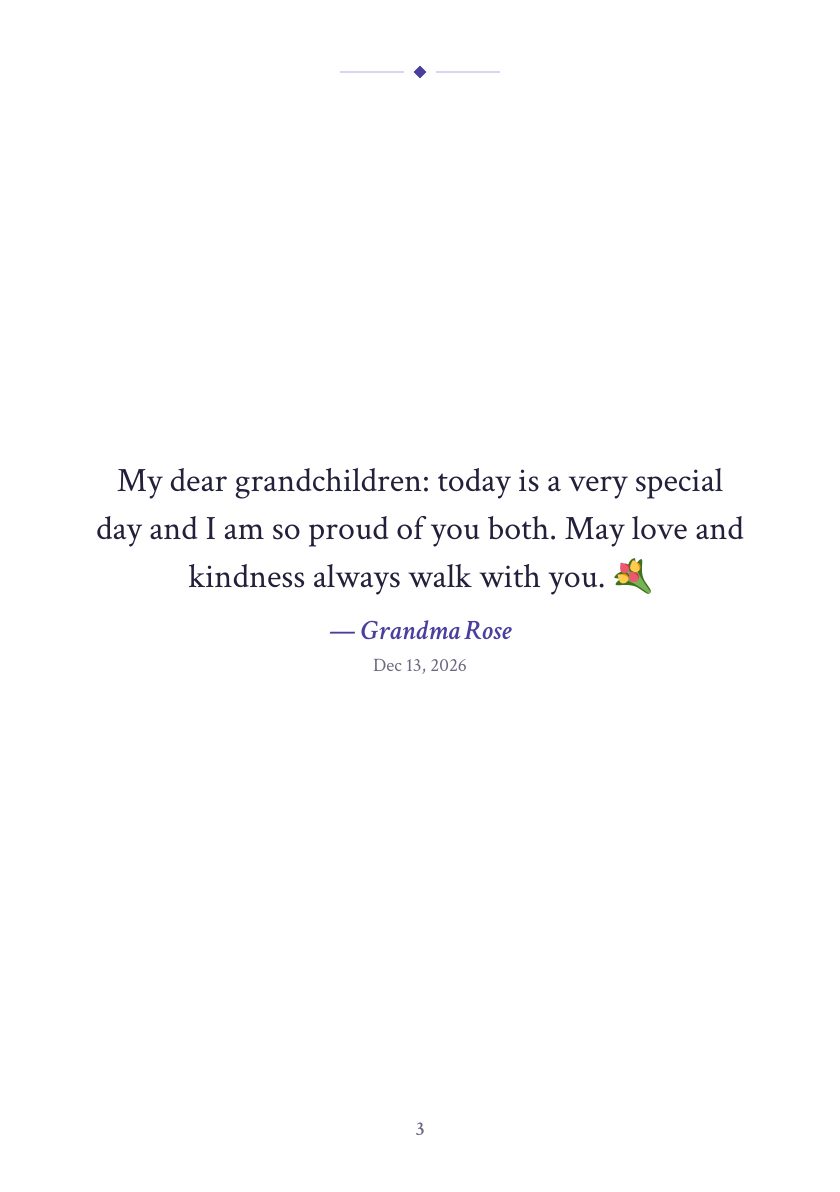
A5 size, with a cover, one message with its photo per page (or several per page to save paper) and the list of everyone who signed.
How it works
- 📱
1. Create your book
Pick the occasion, type the names and add a cover photo.
- 🔗
2. Share the QR
Print the QR sign for the table or send the link on WhatsApp.
- 📖
3. Download the book
Hide anything you don’t want and download the print-ready PDF.
What’s included
- ✍️
No account for guests
Name, message and photo. Works on any phone.
- 🖨️
Printable QR sign
Put it on the welcome table or around the venue.
- 🛡️
You moderate
Only you see the messages. Hide or delete anything that doesn’t belong.
- 💬
WhatsApp congratulations
Rescue the messages from the group chat and add them to the book.
- 📷
Photos in the book
Each message can carry its photo, shrunk on the phone.
- 🌎
English, Spanish and Portuguese
The guest page shows in the language you choose.
For which occasions
- 💍 Wedding
- 👑 Quinceañera
- 🎂 Birthday
- 👋 Farewell or teacher goodbye
- 🍼 Baby shower
- 🎓 Graduation
- 🎄 Christmas party
- 🕊️ Condolences (funeral)
🛡️ No nudity and nothing sexual, violent or offensive. The host reviews every message and can hide or delete it.
Price
Free
US$0
Up to 10 messages, QR sign, WhatsApp import, moderation and the PDF book with a “Preview” watermark.
Create my free guest bookFull book
US$9.99
US$9.99 per event, one-time payment: unlimited messages, a book with no watermark and everything kept for 1 year.
Coming soon
Questions
What is a digital guest book?
It’s the classic wedding or party guest book, on the phone: each guest scans a QR code and leaves their name, a message and a photo. At the end you download it as a book to print.
Do guests need to download anything?
No. They scan the QR with their camera or open the link, write, done. No account needed.
How do I import the WhatsApp congratulations?
In WhatsApp open the group, tap its name, “Export chat” and “Without media”. Then on your Firmario dashboard tap “Import congratulations from WhatsApp”, pick the file and check the messages you want. The chat is read on your phone.
Where do I print the book?
At any copy shop or printer: ask for A5 in color, or an A4 booklet. Stapled, spiral or perfect bound all work.
Who sees the messages?
Only you, the host. Messages and photos aren’t published. You can hide or delete any of them.
Is it free?
Yes, up to 10 messages per book, with a “Preview” watermark on the PDF. The Full book, with unlimited messages and no watermark, is coming soon as a one-time payment per event.